A wallet that makes sense at first glance.
Receive, send to a friend by email or Telegram, ask support — on one calm screen. Eight coins, and the network is always next to the amount.
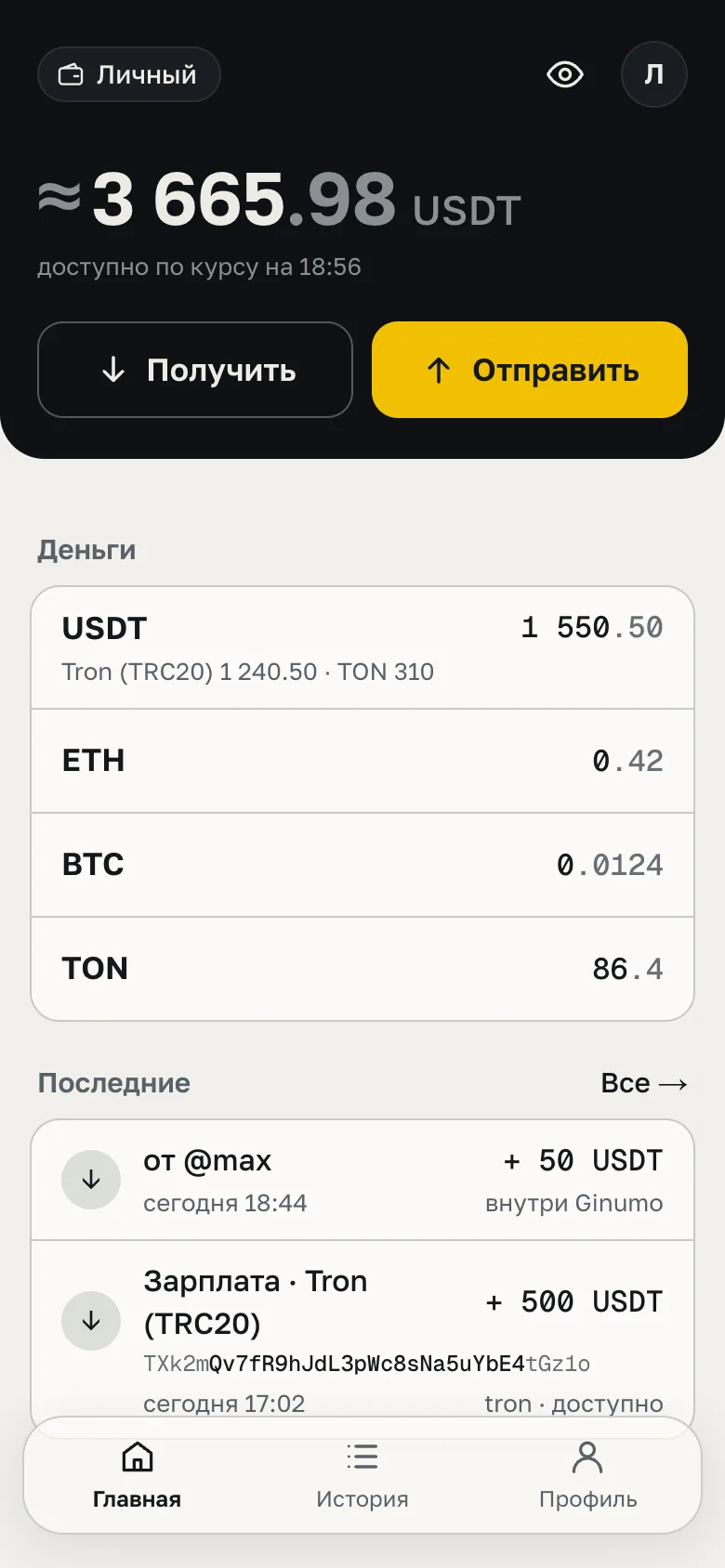
How much you have — in one number.
At the top, everything available at the current rate; below, coins by network and recent activity. Nothing else on the home screen.
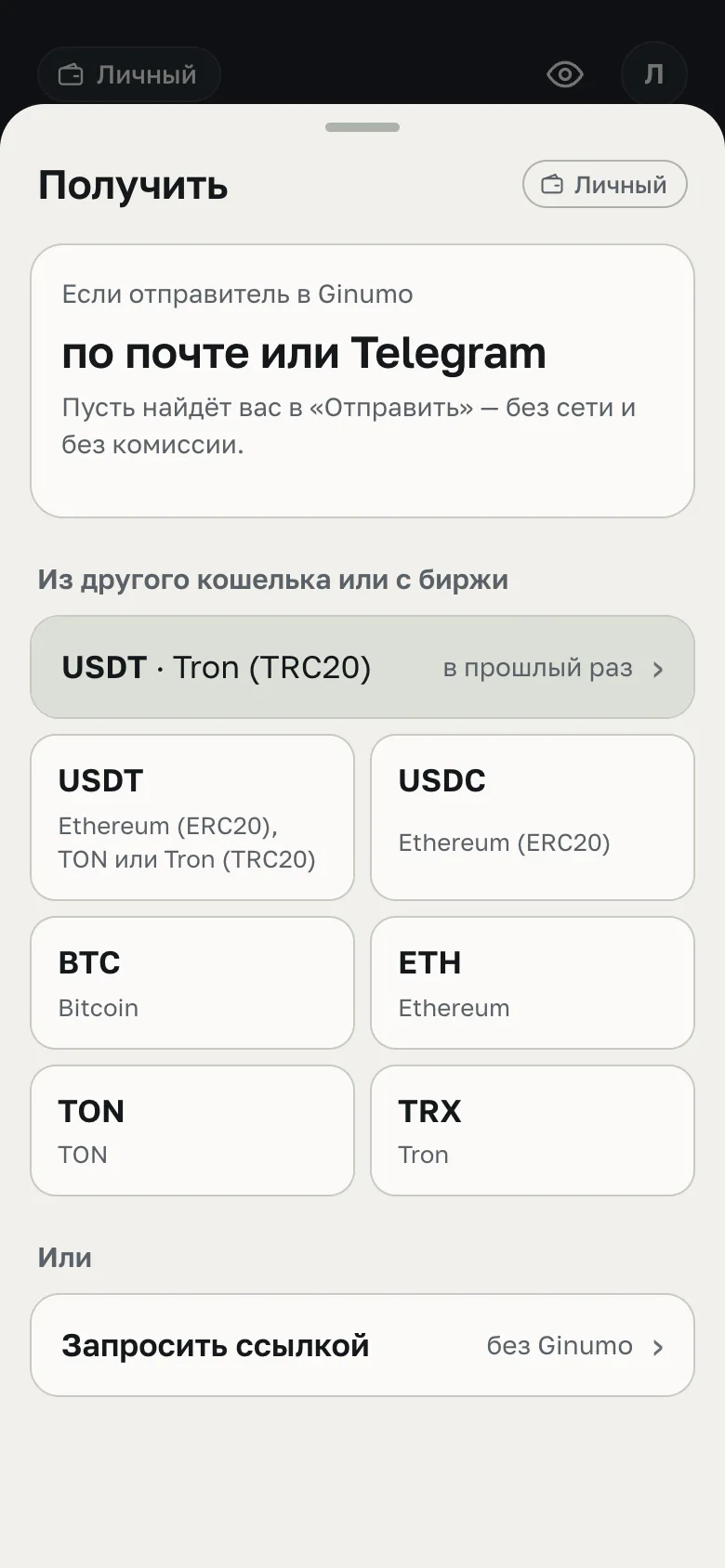
Friends need your email, not an address.
Inside Ginumo people find you by email or Telegram — no network and no fee. From an exchange or another wallet — pick a coin and a network; the address is shown in full, with a QR code.
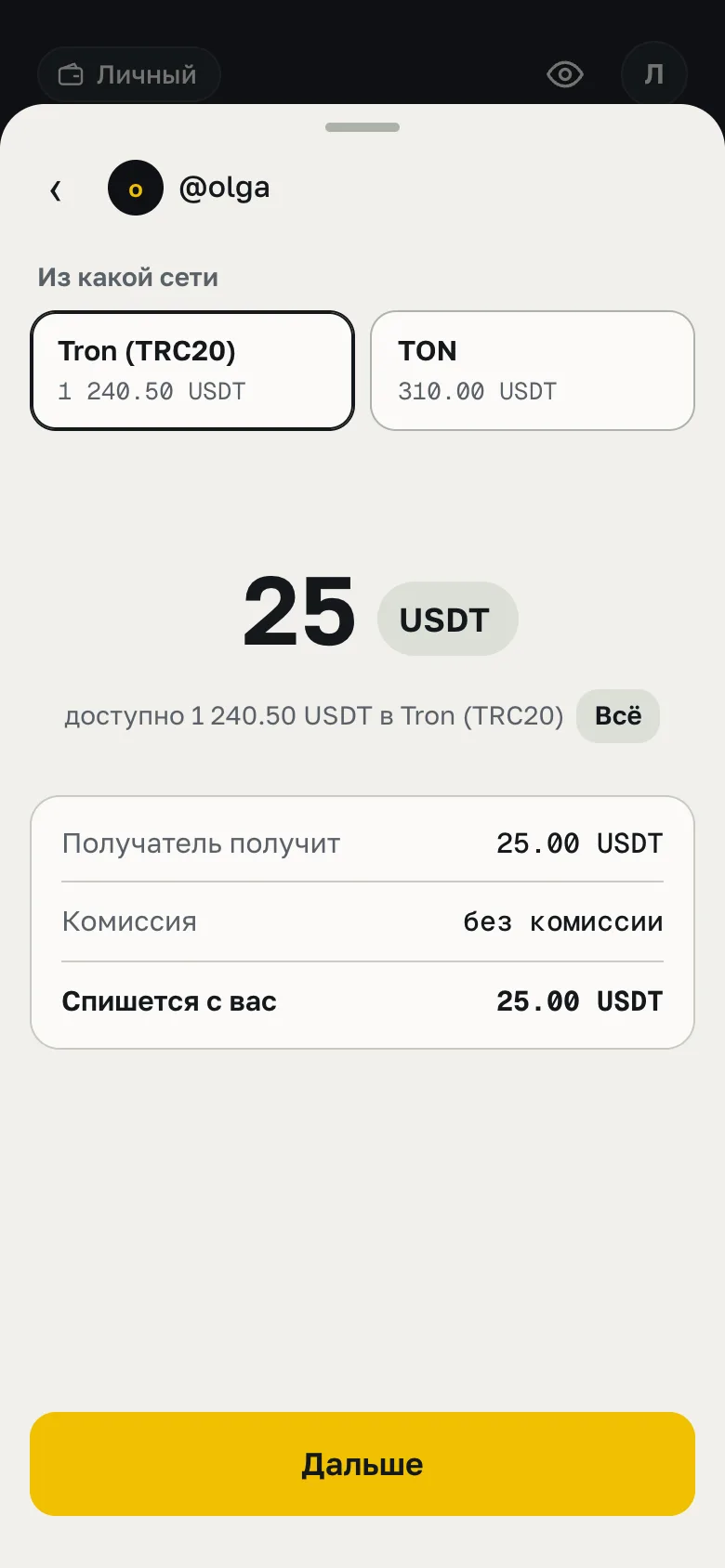
To a friend — by email, with no fee.
A transfer inside Ginumo does not go through a network. Recipient, amount and which network to debit — on one screen, before you tap. The whole transfer step by step
See who, how much and on which network.
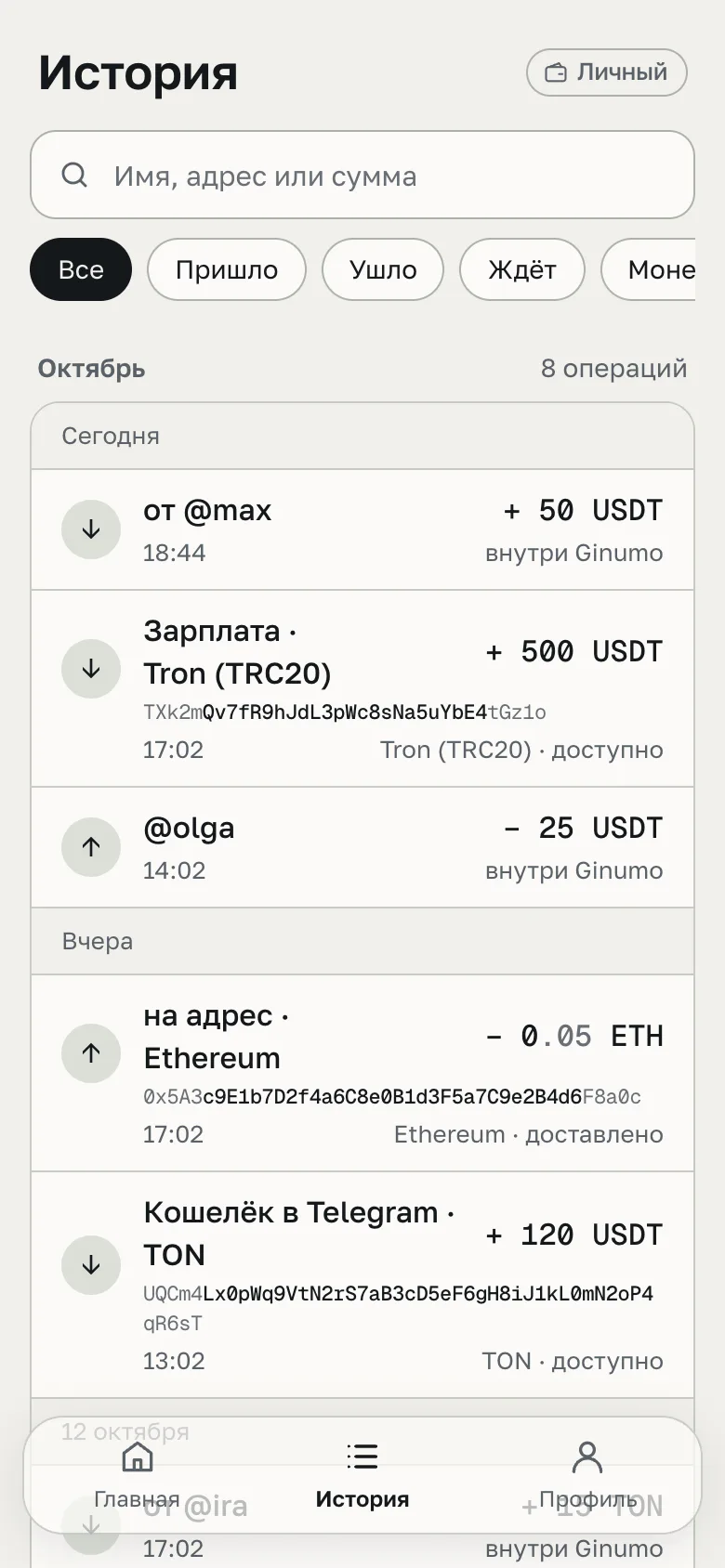
A familiar address is labeled with the name from your contacts; an unfamiliar one is shown in full. Search by name, address or amount.
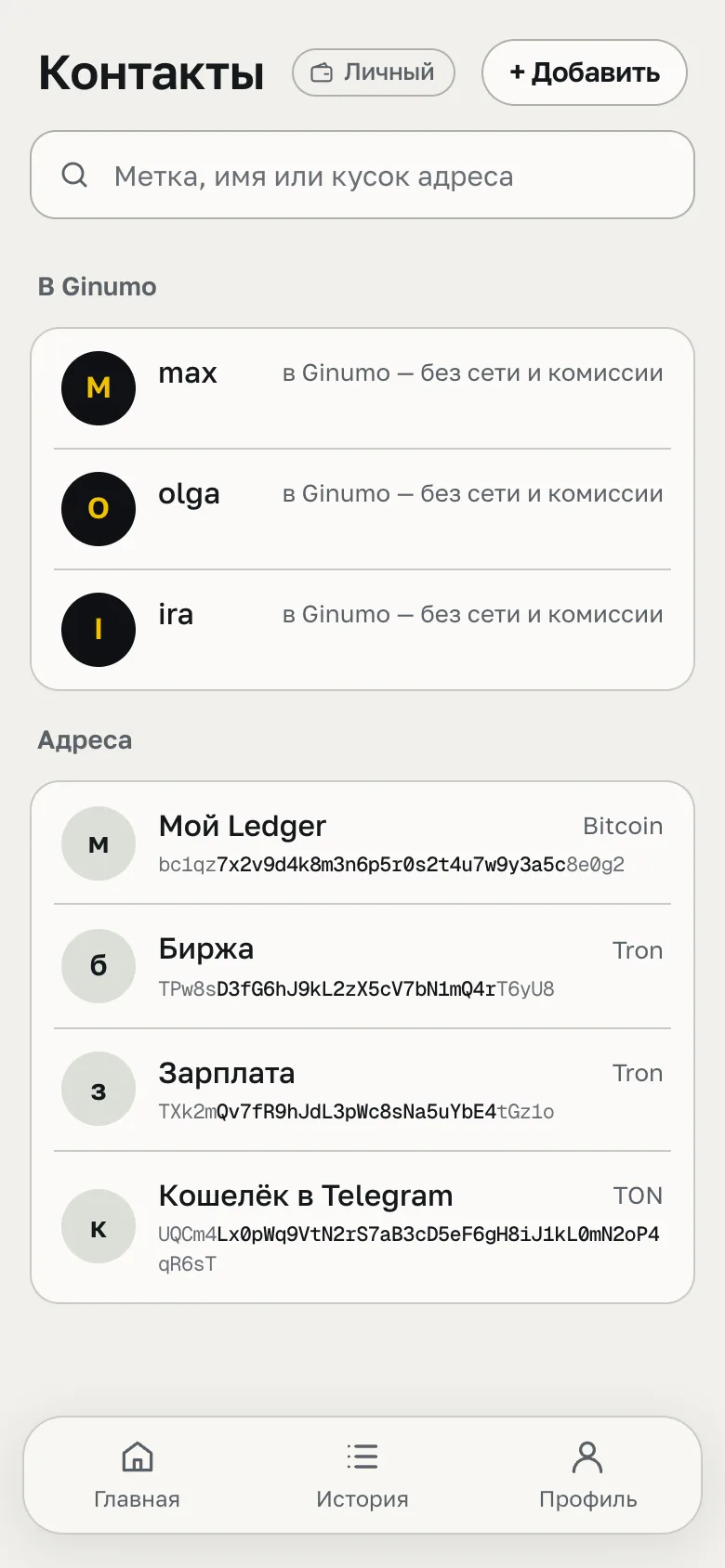
Addresses — with names.
Save the address of an exchange or your own wallet once. If a pasted address looks like a familiar one but does not match, the wallet stops the transfer.
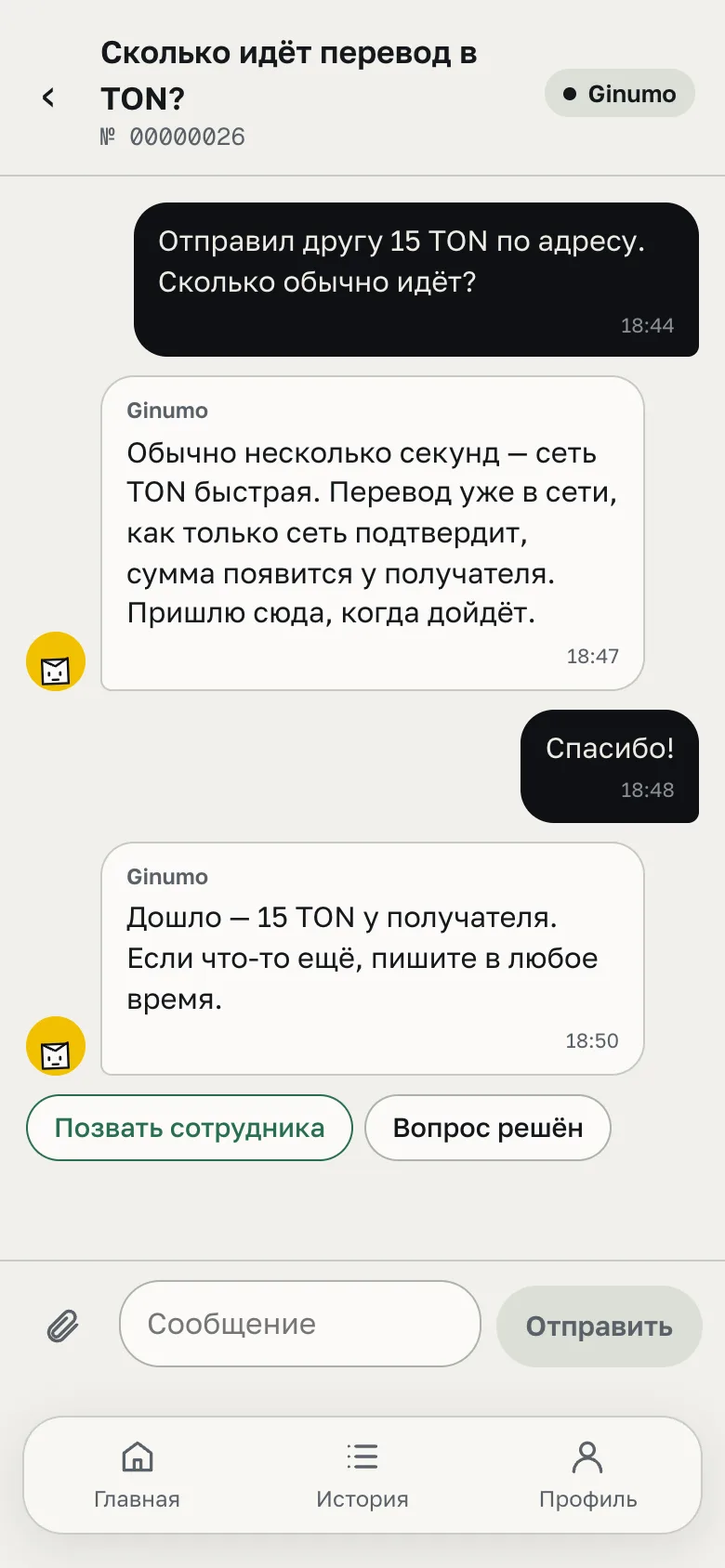
The assistant answers right away — day and night.
The Ginumo assistant is right in the wallet, not on a separate site. Need a human — one button, “Call an officer”. Telegram works too: @Ginumo_bot.
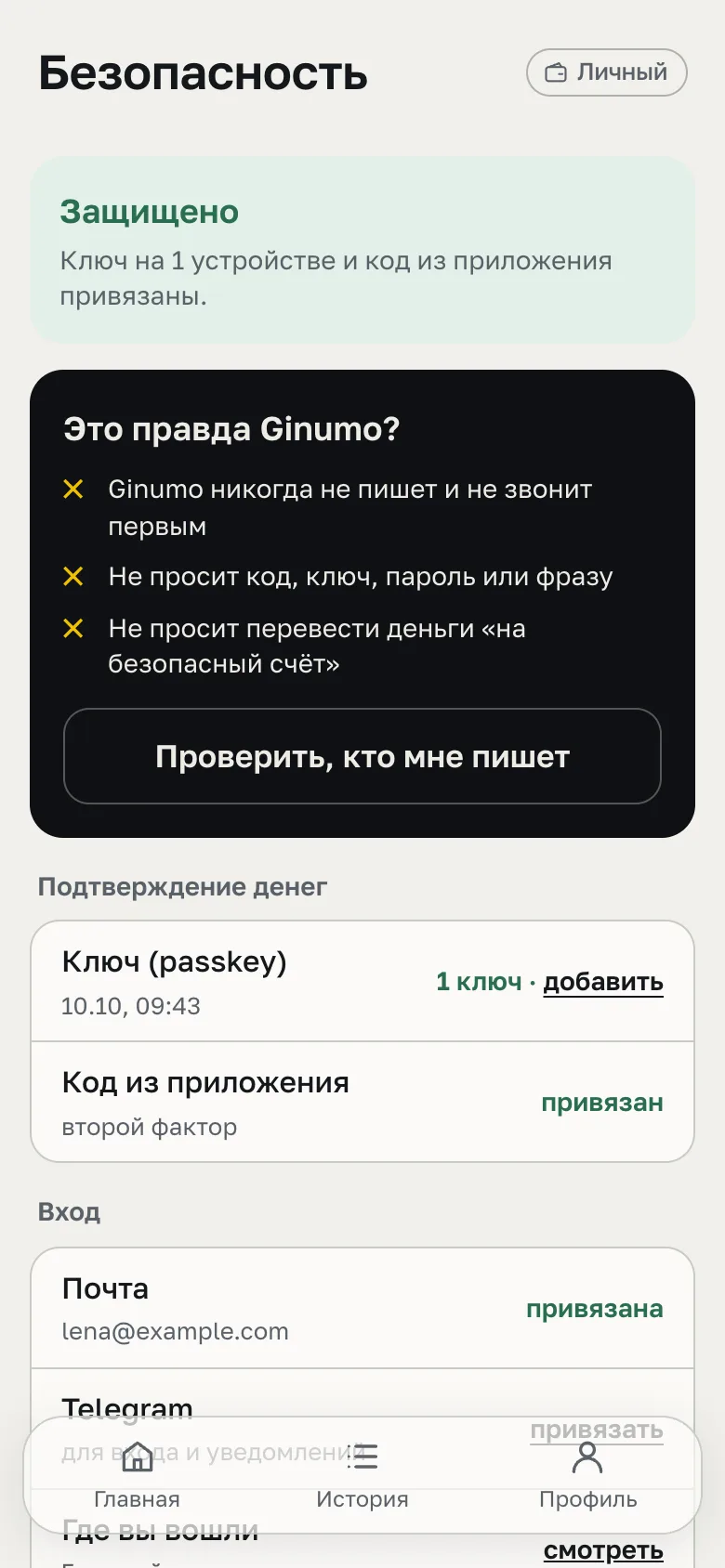
Money moves only with you.
A passkey on your device and an authenticator code. The “Is this really Ginumo?” button checks who is writing to you: we never write first and never ask for a code.
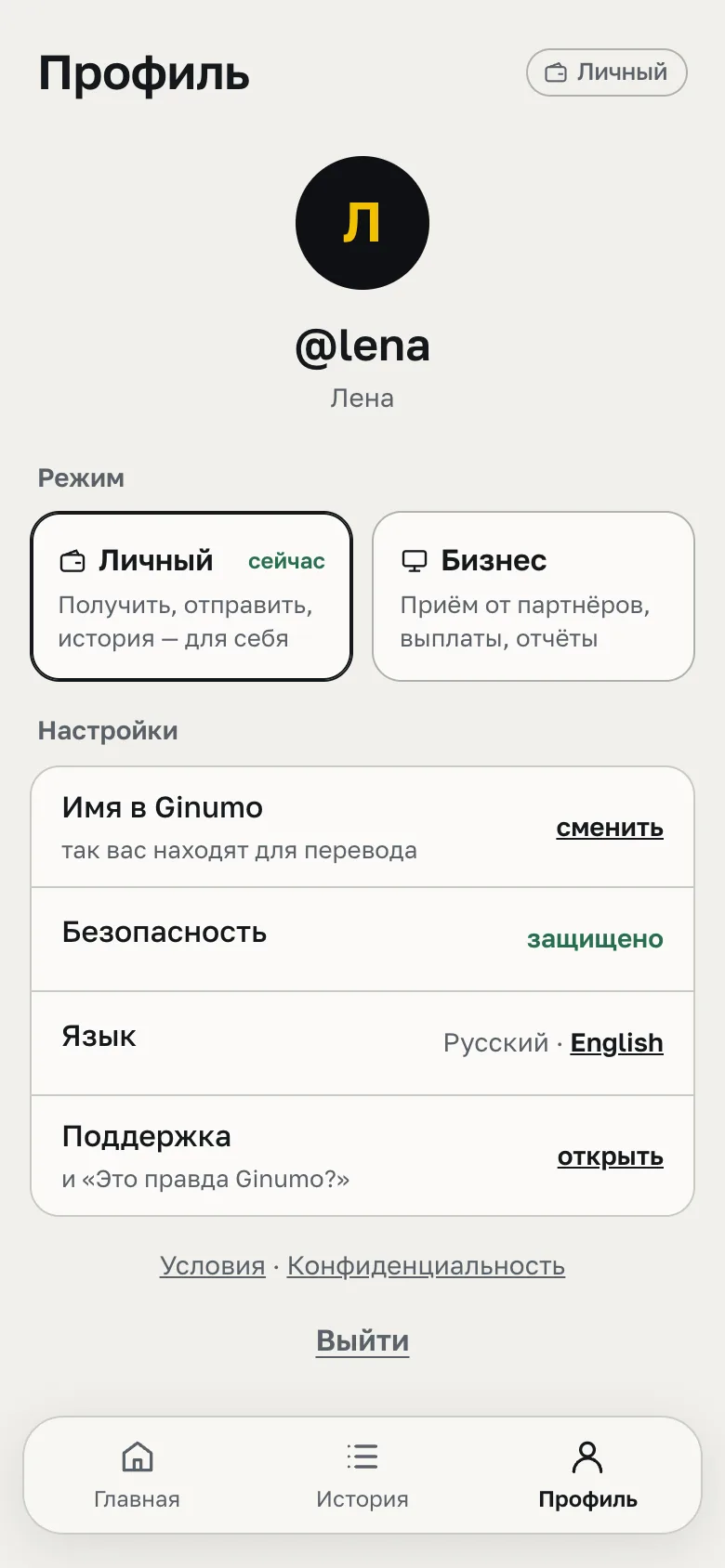
Personal and Business — one account.
Switch the mode — the look and sections change, the money stays the same. This wallet for yourself; for work — receiving from partners and payouts.
Send to a friend — three taps.
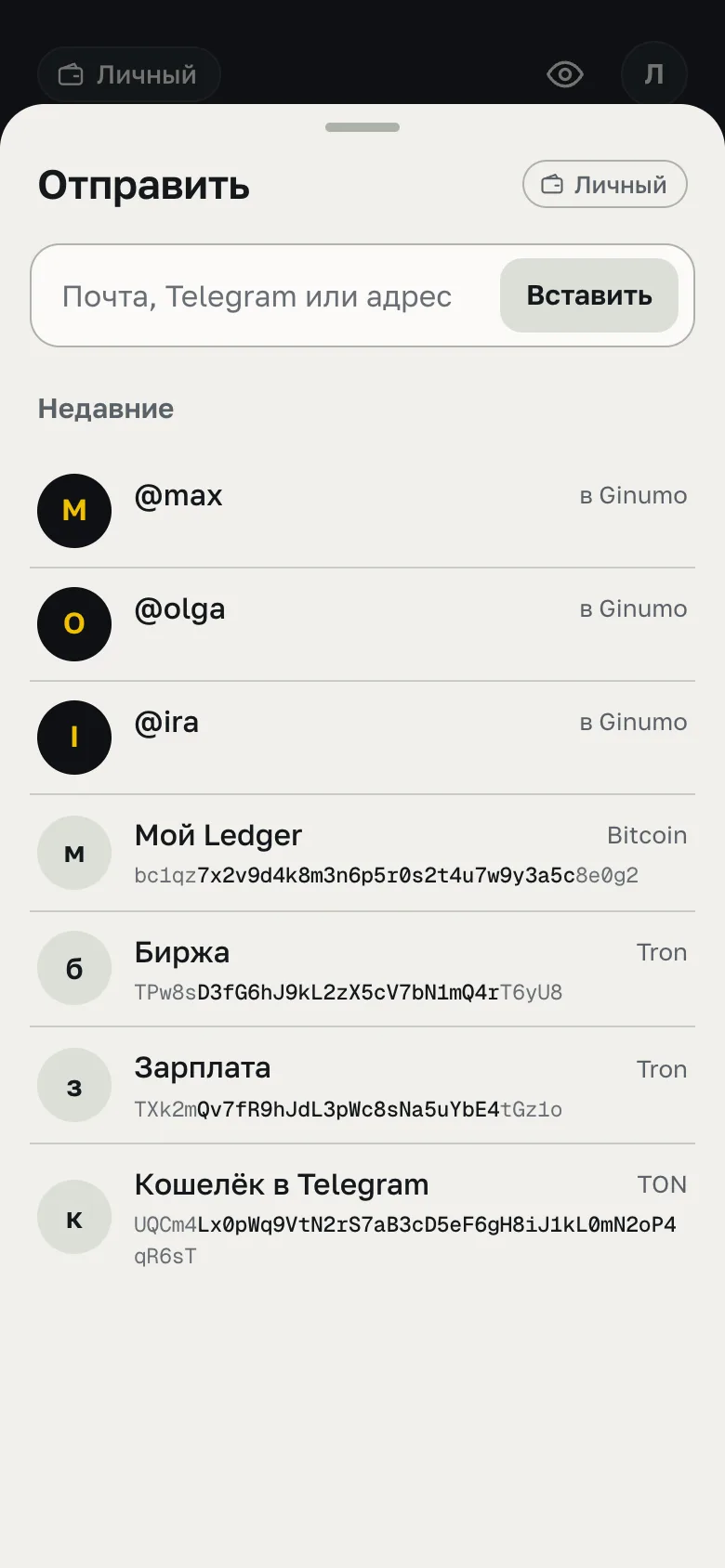
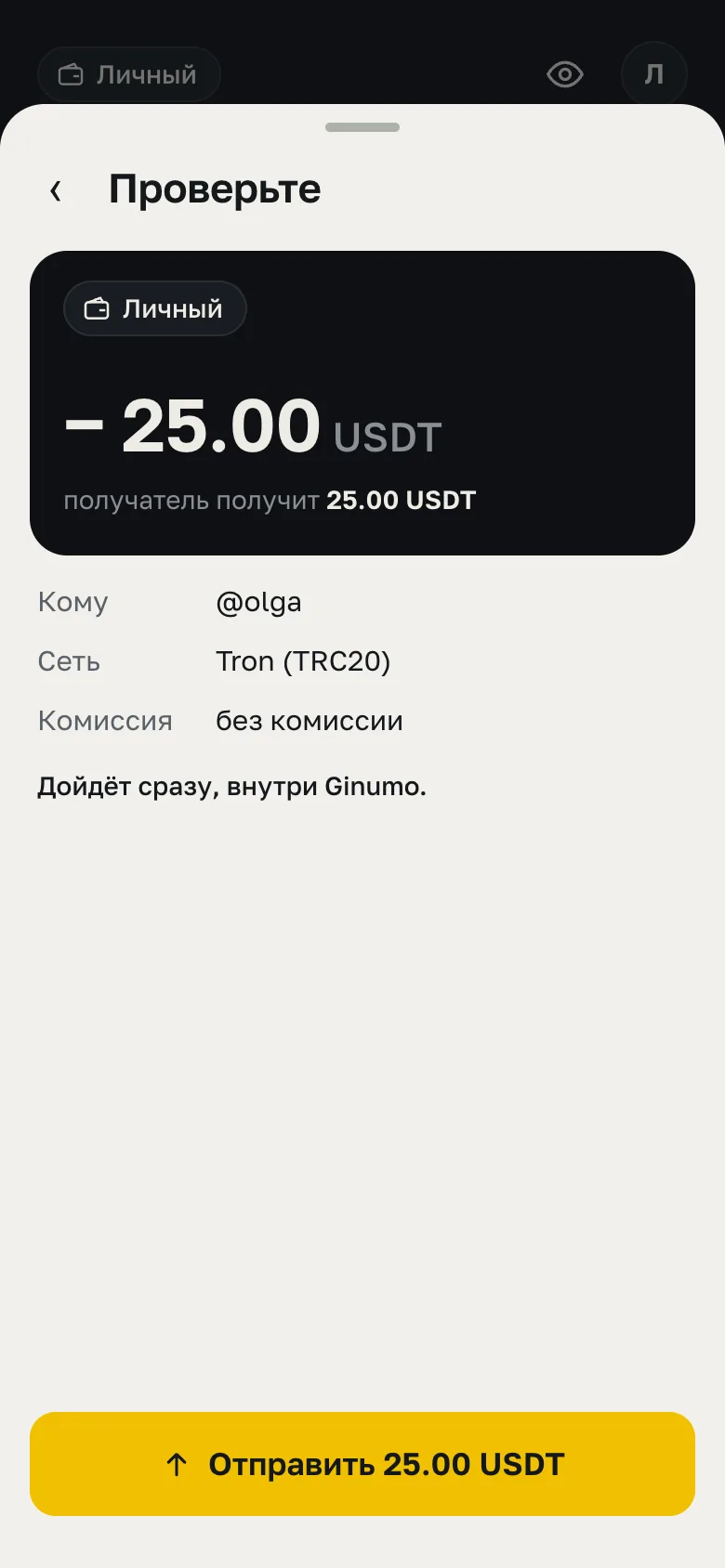
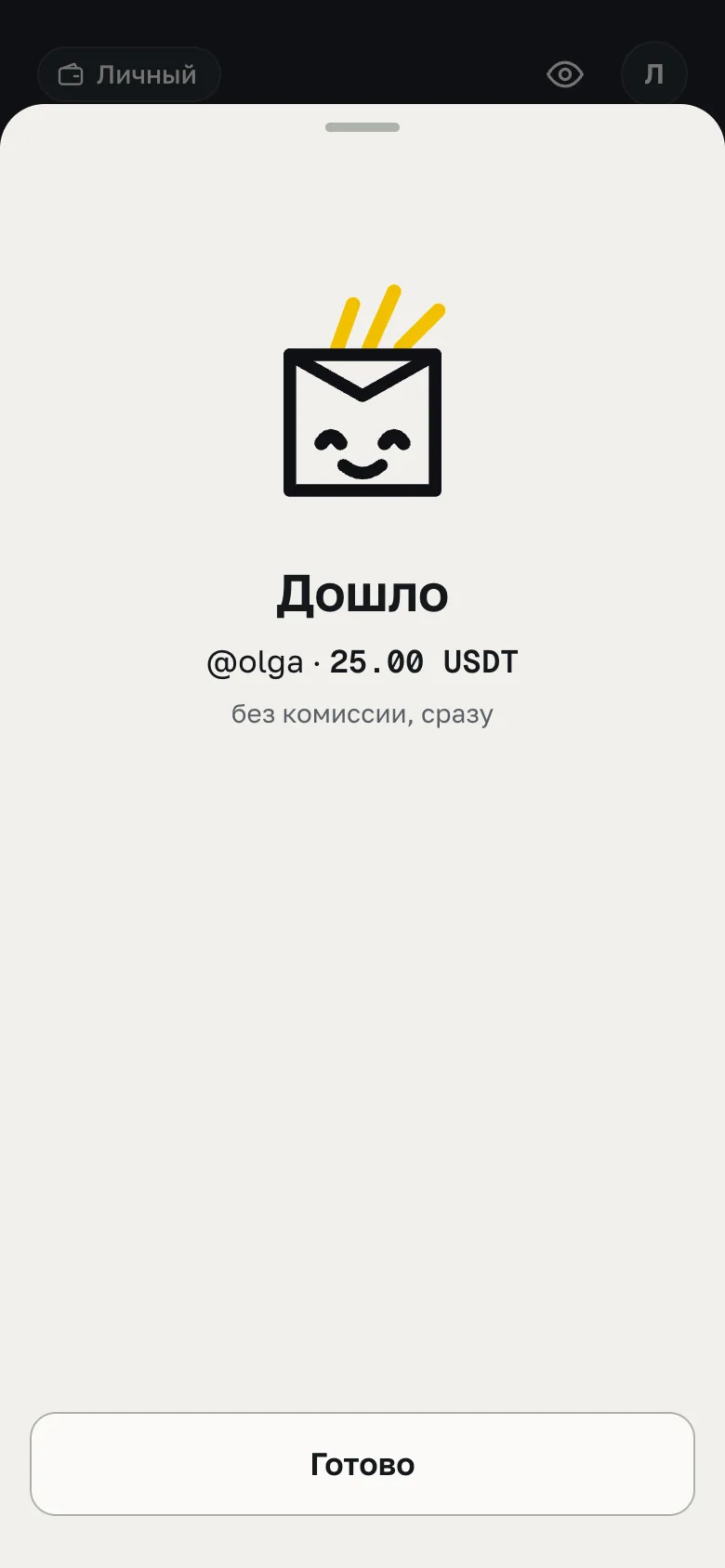
Pick from recent, enter the amount, send. Inside Ginumo there is no network and no fee — so it arrives at once.
- To@olga from recent
- Amount25 USDT from Tron
- Revieweverything on one screen
- Arrived@olga · 25.00 USDT
Eight coins — each on its own network.
Amount, coin and network always go together, so you never mix up the network when withdrawing. Withdrawals to a network are at the network's cost, and the amount is shown before you tap. Inside Ginumo — no fee.
Receiving money from partners or paying many people? That is what “Business” mode is for.
- USDTTron
- USDTTON
- USDTEthereum
- USDCEthereum
- BTCBitcoin
- ETHEthereum
- TONTON
- TRXTron